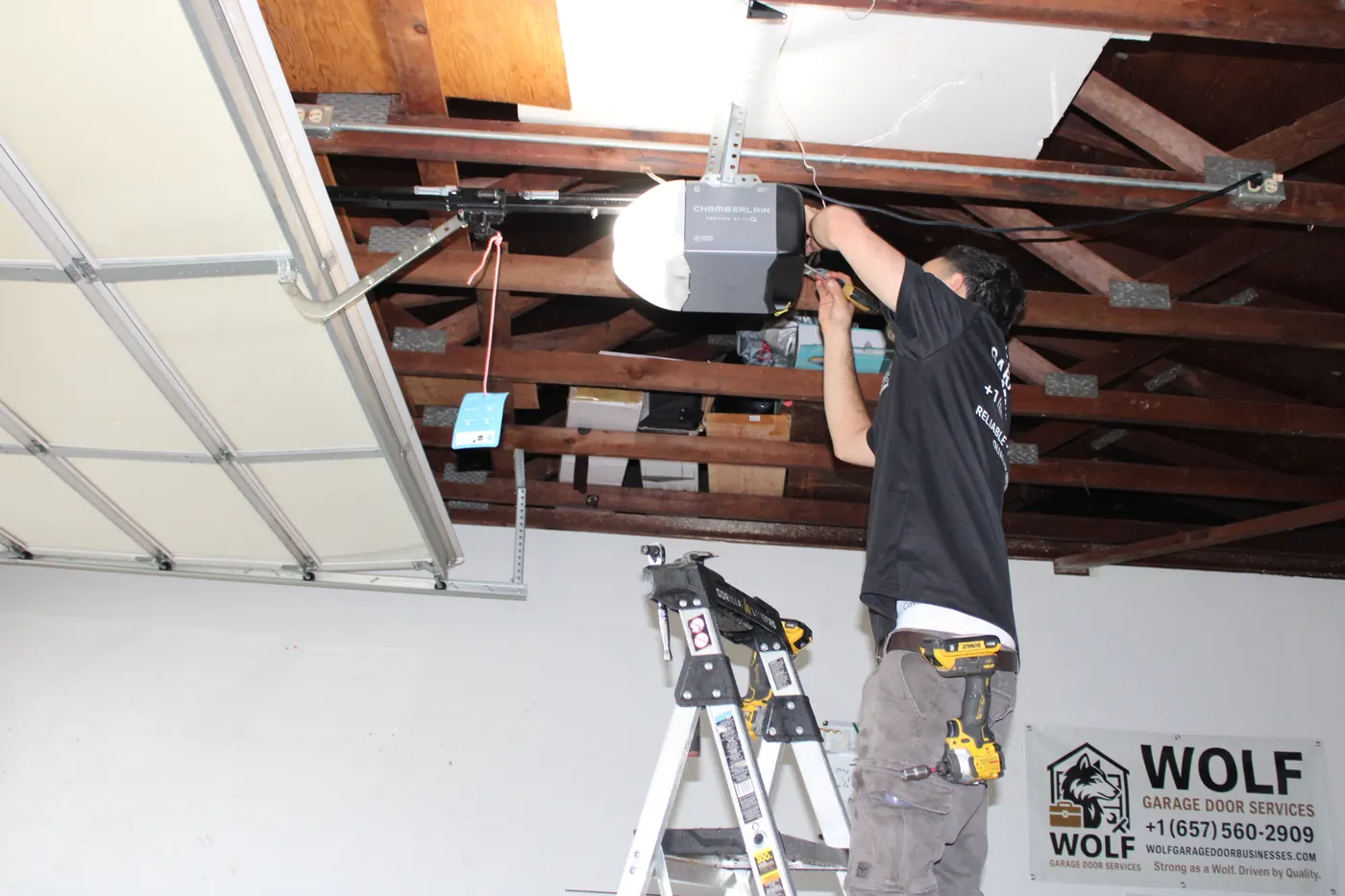
 Wolf Garage Door Services team
The keypad, the handheld remotes and the button in your car all talk to the same receiver inside the opener. If the wall button still opens the door, the motor works and the fault sits somewhere in the wireless link.
Go through these checks in order. Most take under five minutes.
Start with the batteries
Outdoor keypads sit in the sun and the cold, which drains batteries faster than you might expect. Slide the cover up or off, replace the battery (usually a 9-volt or a coin cell), and try again. For remotes, a dim or missing LED when you press the button is the giveaway.
If a remote works only when you are right under the garage, that also points to a weak battery, or to an antenna on the opener that has been bent or tucked up against the ceiling.
Check lock mode on the wall control
Many wall controls have a lock or vacation button that blocks every remote and keypad while still letting the wall button work. It is easy to press by accident with a shoulder or a box. Look for a lit lock icon or blinking light, then press and hold the lock button until it turns off.
Reprogram with the learn button
A power outage, a new battery or a reset can make a keypad or remote lose its pairing. Reprogramming usually goes like this:
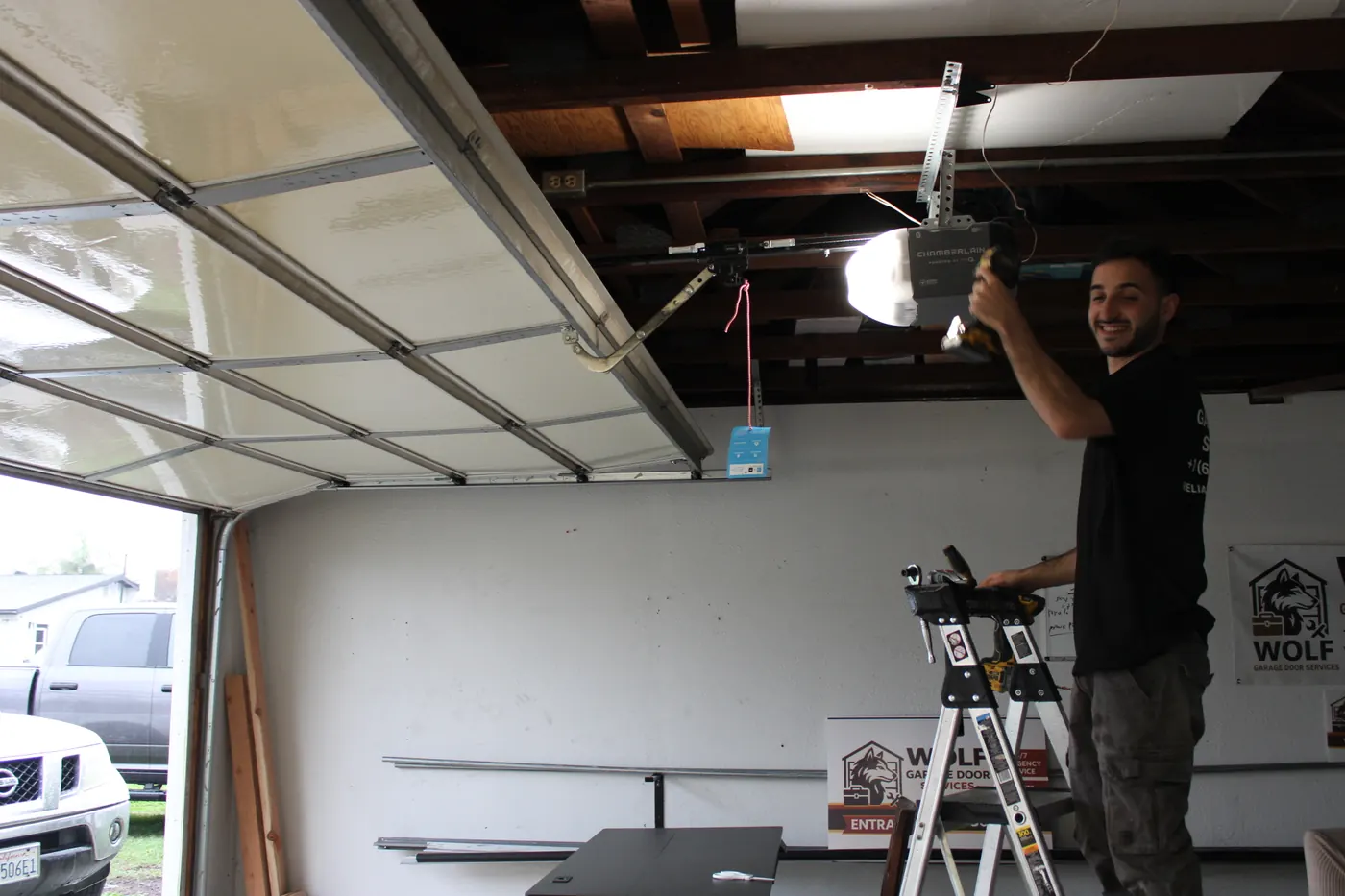
- Find the learn button on the opener motor head, often under the light cover or near the antenna. It is usually a small square button in a bright color.
- Press and release it. A small LED lights up for about 30 seconds.
- Within that window, press the remote button or enter your PIN on the keypad and press Enter.
- The opener light blinks or clicks to confirm. Test the door.
Holding the learn button for several seconds usually erases every remote and keypad paired to the opener. Press and release only.
Rolling code and older openers
Most modern openers use rolling code, which changes the signal every time it is sent so it can't be copied. Openers from the mid-1990s and earlier often use a fixed code set by small DIP switches inside the remote.
- A new rolling code keypad won't pair with a fixed-code opener.
- Universal keypads and remotes list which systems they support on the package. Match it to the label on your opener.
- Learn buttons come in different colors, and the color often tells you which code system the opener uses.
If the opener is old enough that new accessories won't talk to it, an opener upgrade may be the simpler fix.
Pairing your car's built-in button
Many cars have opener buttons in the visor or mirror, often HomeLink. Pairing usually means holding a working remote near the car button to teach it the signal, then pressing the learn button on the opener for rolling code systems. Steps vary by car and opener model, so check the car's manual. Some newer openers need an extra bridge accessory for older car systems.
Still stuck? Our remotes and keypads service covers programming, replacements and receiver checks. Estimates are free.
Frequently asked questions
Why does my remote work but my keypad doesn't?
The opener is receiving signals, so the keypad itself is the issue: a dead battery, a lost pairing or a worn button pad. Change the battery first, then re-pair it with the learn button.
How do I change my keypad PIN?
The process depends on the model, but it usually means entering the current PIN, pressing a program or star key, and entering the new PIN twice. If you have lost the old PIN, re-pairing the keypad with the learn button resets it.
Should I erase all remotes after moving into a house?
Yes. Previous owners, contractors or neighbors may still have working remotes. Holding the learn button clears every paired device. Then reprogram the remotes and keypad you actually have.